



Guide

Looking for one answer? Jump to the questions ↓

How to useParasocial.

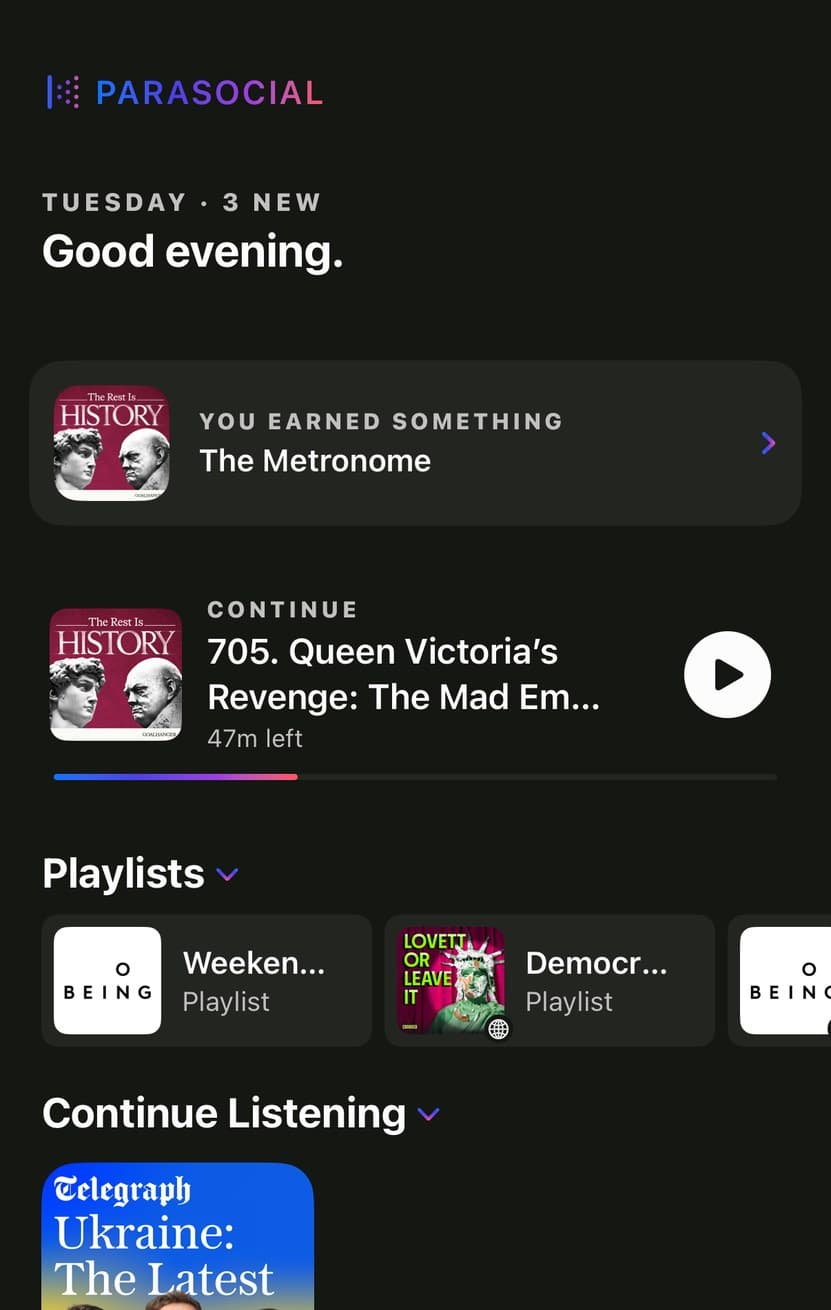
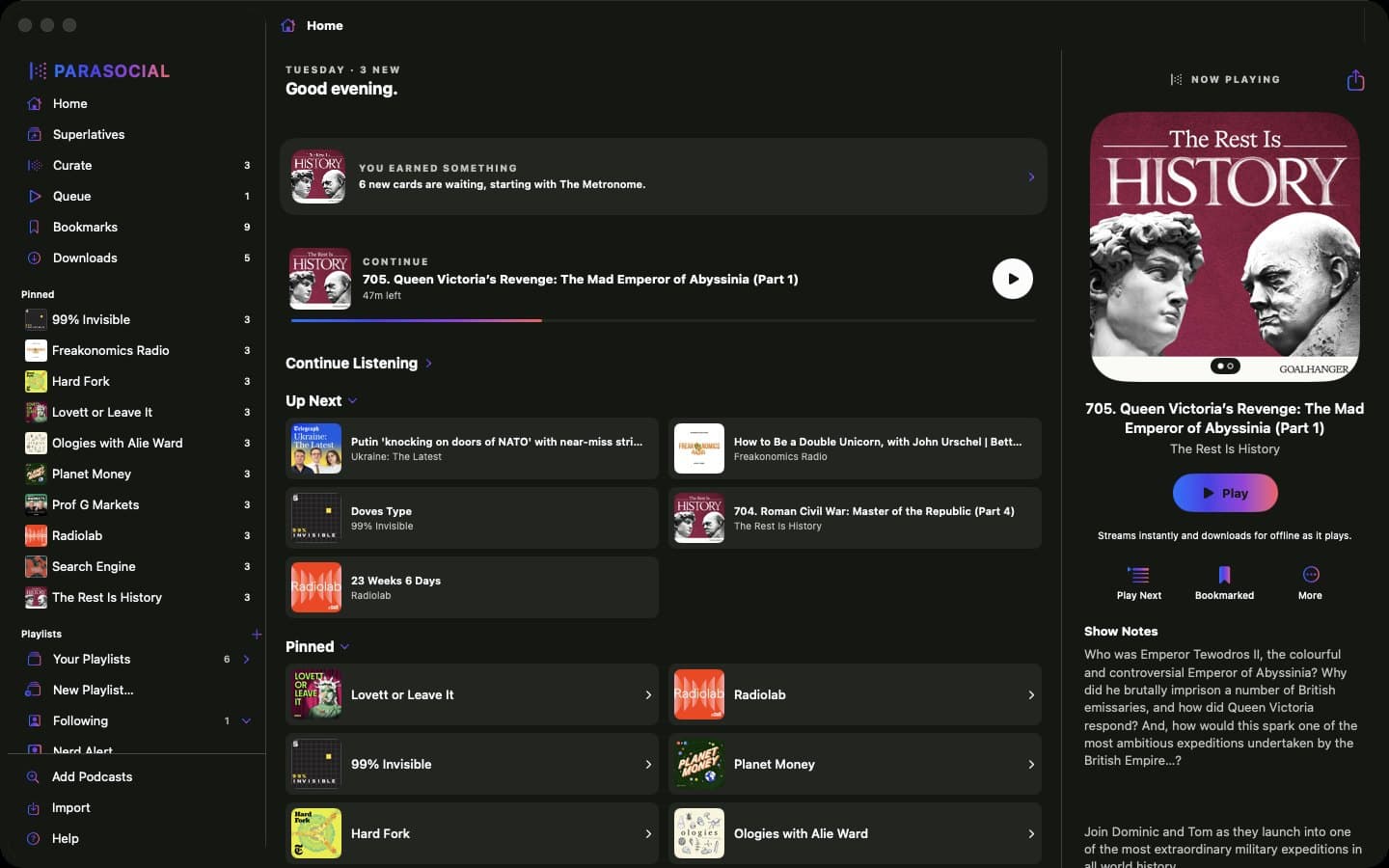
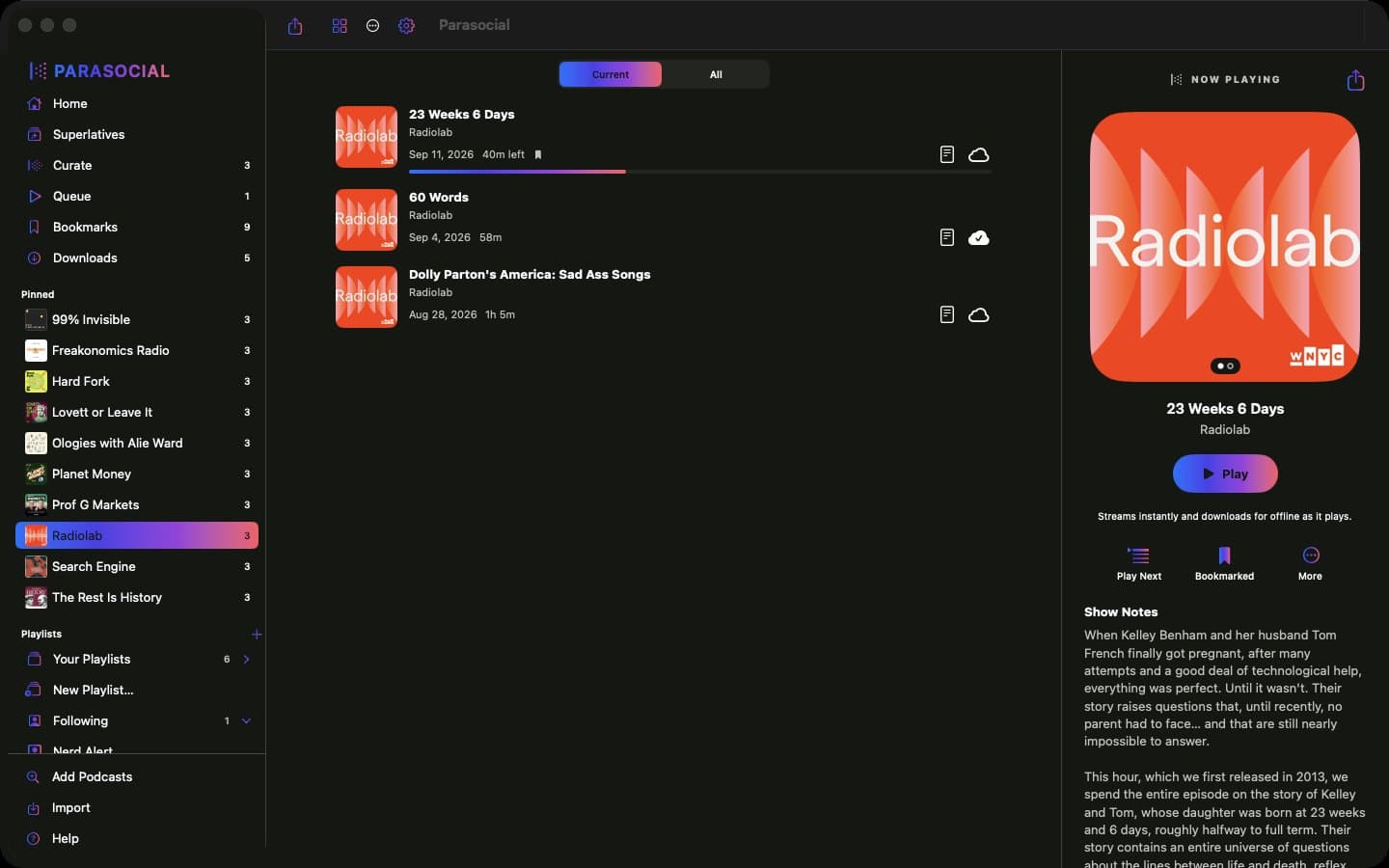
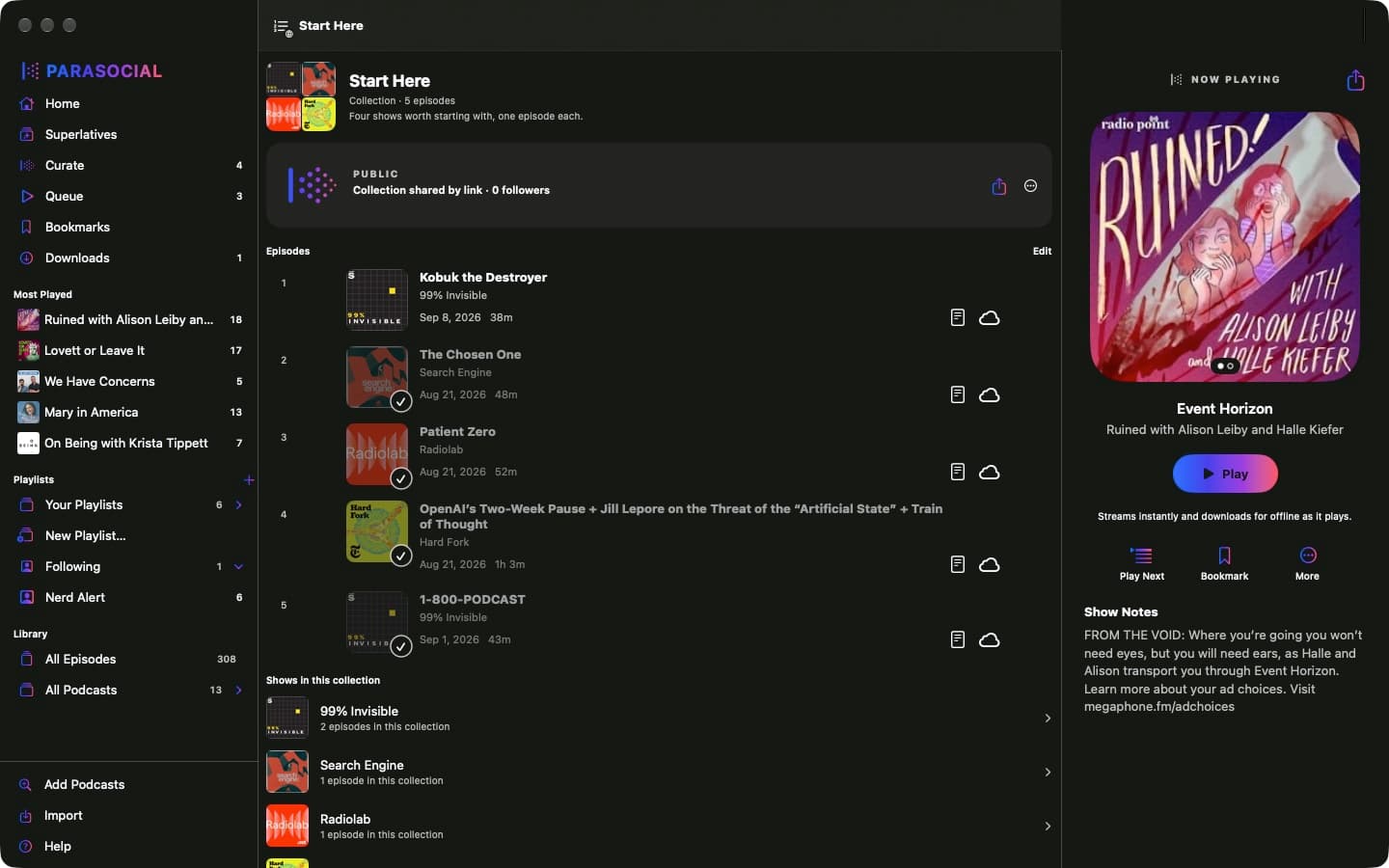
The Library tab in Parasocial: Superlatives, Curate, Queue, Bookmarks and Downloads, then your shows.

Everything here starts from the Library tab. Open it and follow along.

How to import your shows.

Open Library, then tap Import. It is also in Settings, under Import from Another App.

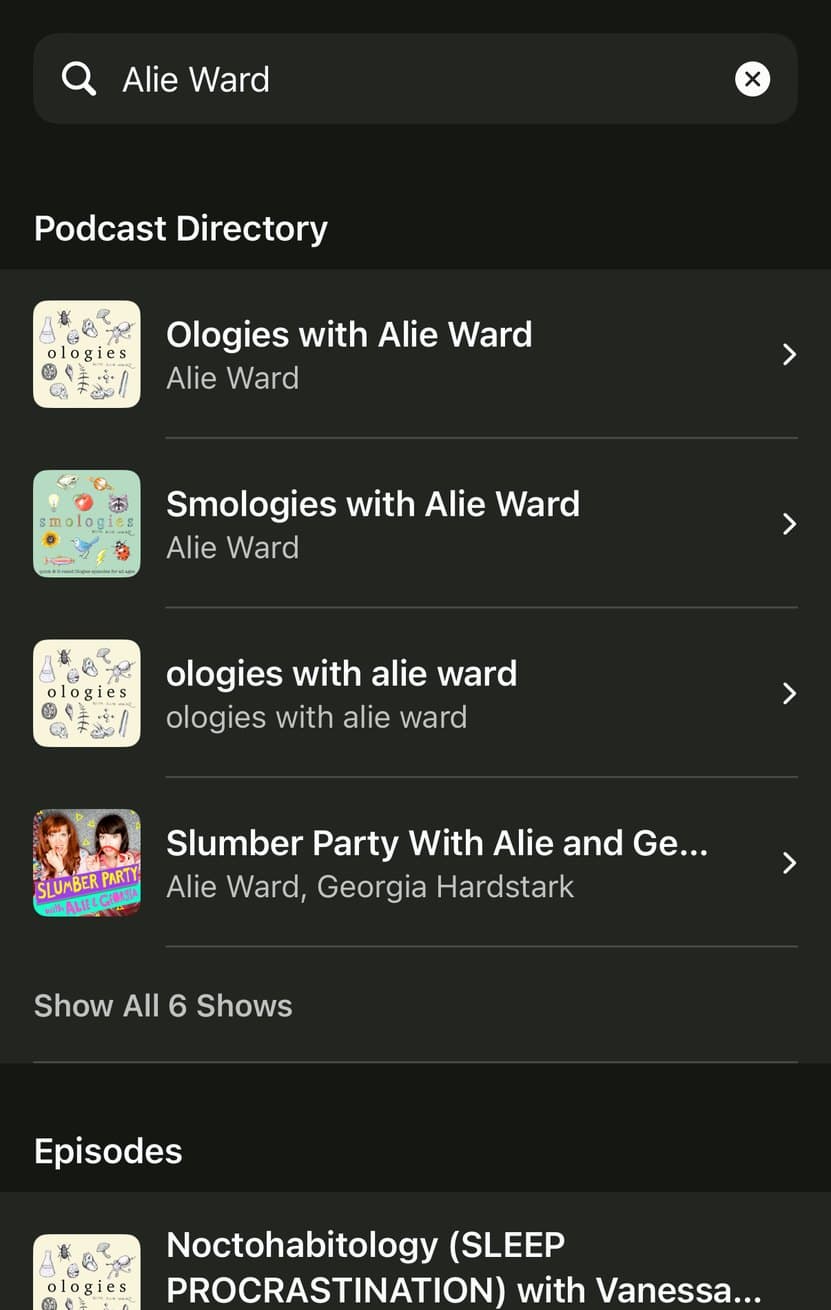
Coming from Spotify? Tap Export from Spotify. Spotify has no export of its own, so we built one. The page walks you through it and hands the app your shows in one go.

Coming from any other app? Tap Choose a File and pick the OPML file your old player exported. In Overcast that is Settings, then Export OPML (extended).

  • What arrivesEvery show you followed, with its artwork and its back catalog.
  • What does notWhat you already listened to. An OPML file does not record it.
  • Overcast is the exceptionIts extended export also brings playlists, stars and your place in each episode.
  • You start caught upEverything released before today is filed as played, so your lists show only what is new.
The Import screen in Parasocial, with Export from Spotify and Choose a File.

What's the difference between smart and dumb playlists?

A dumb playlist is a list you build by hand. You add episodes with Add to Playlist and they stay in the order you put them in until you move them. Nothing arrives on its own.

A Smart Playlist follows shows instead of episodes. You pick the shows once and it fills itself: new episodes appear as they publish, and they leave once you have heard them.

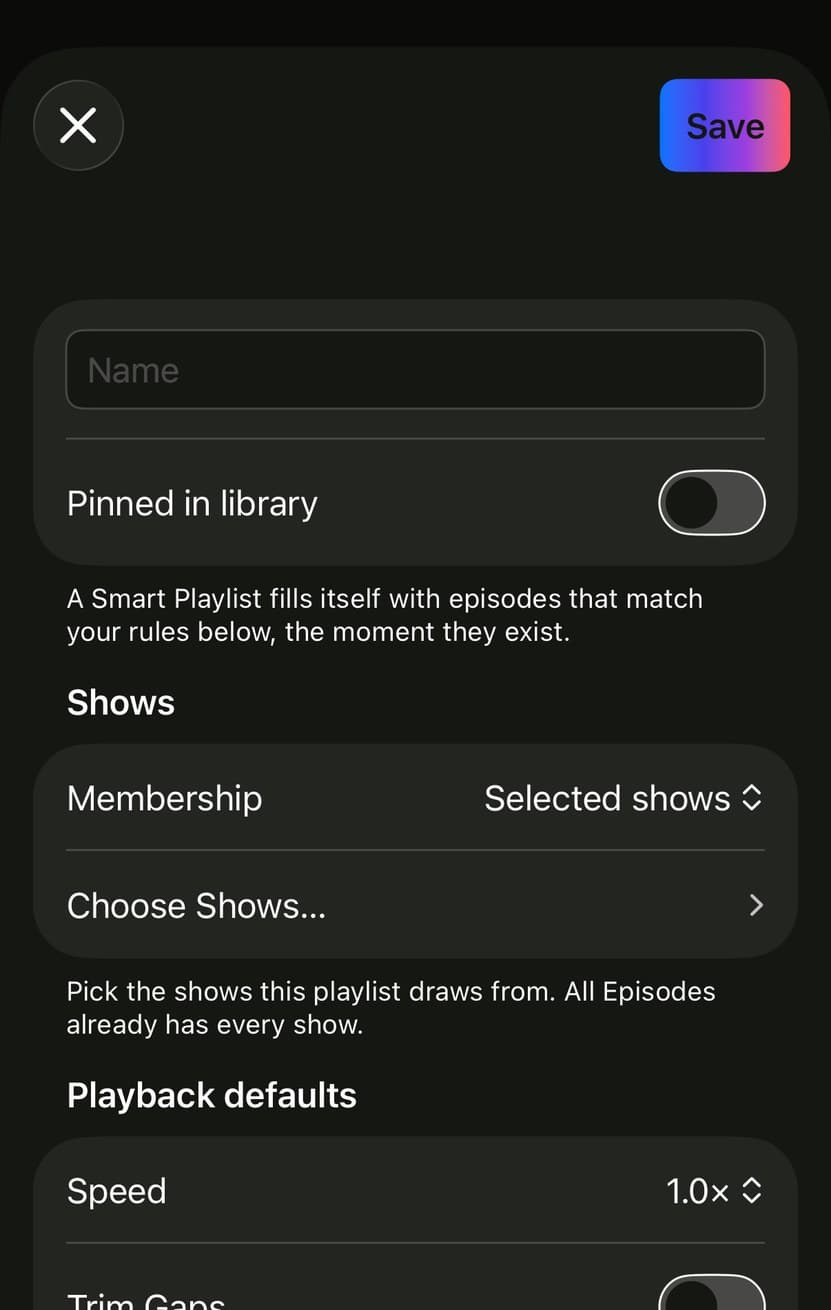
To make one: open Library, tap the + beside Playlists, choose New Smart Playlist. Name it, set Membership, tap Choose Shows and pick them. Under Include episodes that are, leave Unplayed and In progress switched on.

  • There is no Played switchA Smart Playlist never keeps played episodes, so there is nothing to decide.
  • PrioritiesAdd a priority show and its episodes float to the top of the list.
  • OrderNewest first or oldest first, and Group by show to keep each show together.
  • Your own order winsDrag an episode and the list keeps your arrangement from then on.
A Smart Playlist's rules in Parasocial: Include episodes that are Unplayed and In progress.

Finished episodes leave when you tell them to.

When you finish an episode, you can set a delay before it removes itself. Episodes can be removed manually, automatically when you finish playing them, or after a day or two.

To change it: Settings, then Downloads and Storage, then Remove played downloads. The same setting decides when a finished episode gives up its downloaded file, which is why it lives under Downloads.

For one show only: open the show, tap the gear, and set Remove played downloads there. A show’s own choice beats the one in Settings.

  • ImmediatelyIt leaves your lists the second it ends.
  • After 24 HoursThe default. A day to find it again, then it goes.
  • ManuallyIt stays until you remove it yourself.
Settings in Parasocial, showing Downloads on disk and Remove played downloads set to After 24 Hours.

How to clean up.

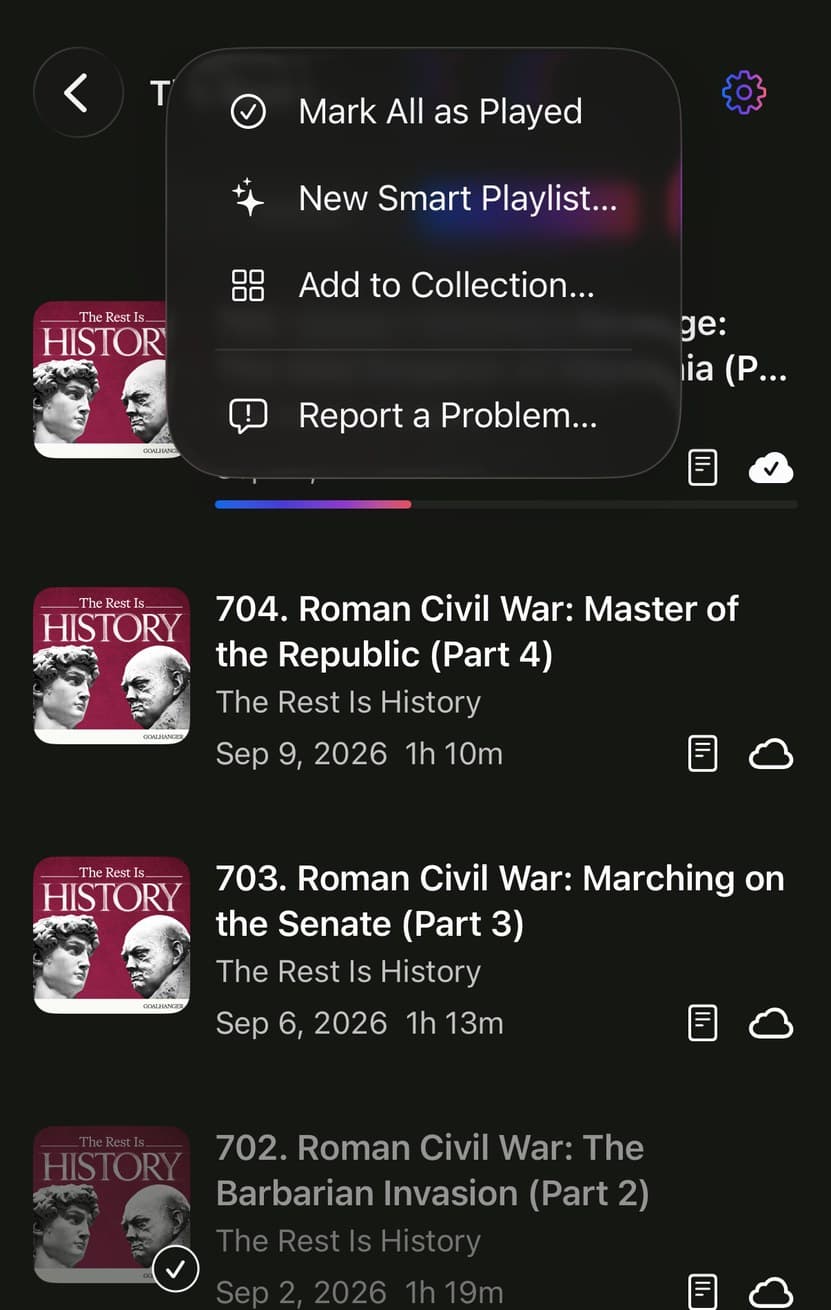
A whole show at once. Open the show, tap the ... in the corner, choose Mark All as Played. Everything unheard is filed immediately and leaves your lists. It is undoable, and it never counts as listening, so it cannot skew your Superlatives.

One episode. Swipe it to the left to mark it played, or tap it and use Mark Played in the ... menu. Swipe the other way to put it in your queue instead.

Files rather than episodes. Settings, Downloads and Storage has Delete played downloads and Delete all downloads. Those remove audio from the device and change nothing else; every episode still streams on demand.

  • Nothing is deletedMarking played files an episode away. It stays on the show's page under All.
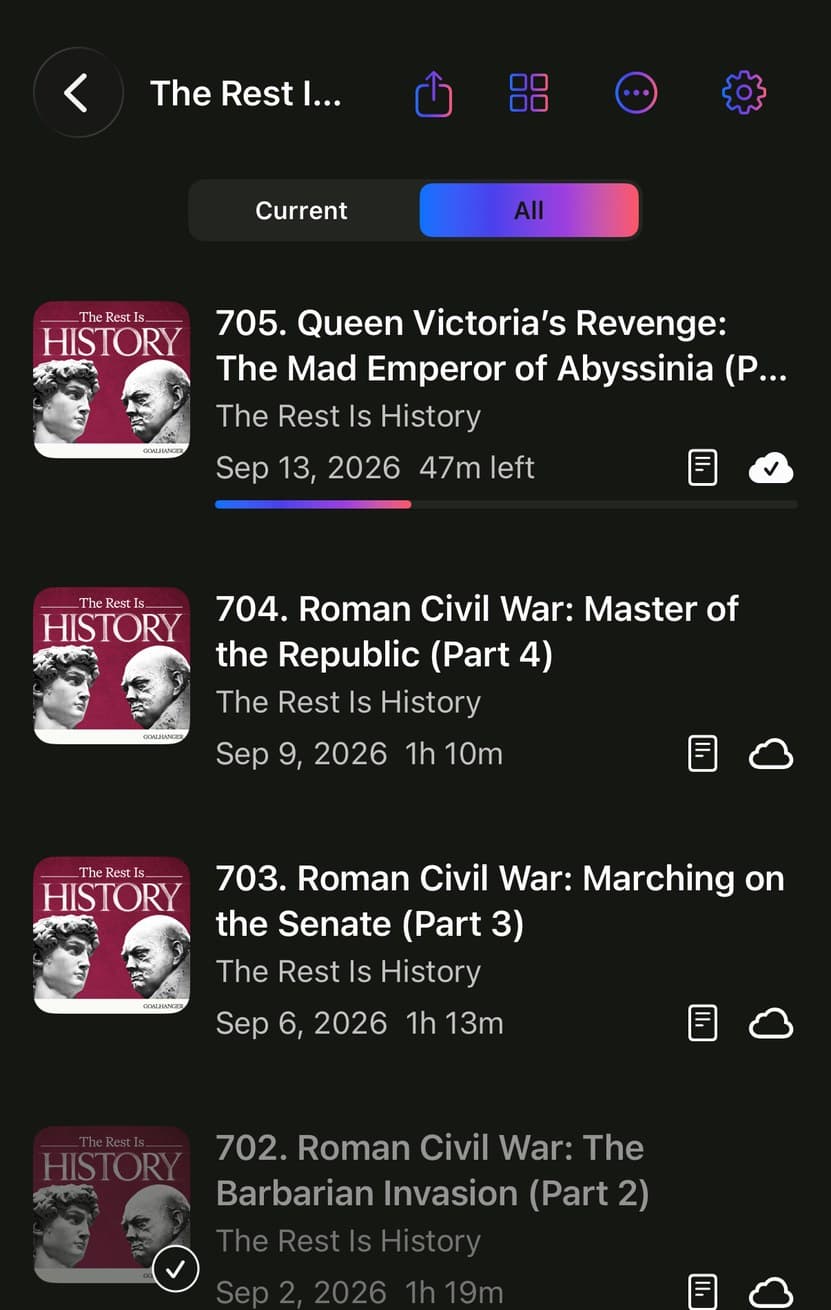
  • Current and AllEvery show page has this pair. Current hides what you have heard; All shows everything.
  • UnsubscribeThe gear on a show page removes the show with its episodes, downloads and history.
A show's menu in Parasocial, with Mark All as Played at the top.

Downloaded or streamed?

Every episode row has a cloud on the right, and the cloud tells you where the audio is. Tap an empty one to download that episode. Tap a full one and Parasocial offers to remove the file.

  • An empty cloudThe episode is not on your device. It streams when you press play.
  • A cloud filling, or blinkingIt is downloading now. The fill is how far along it is.
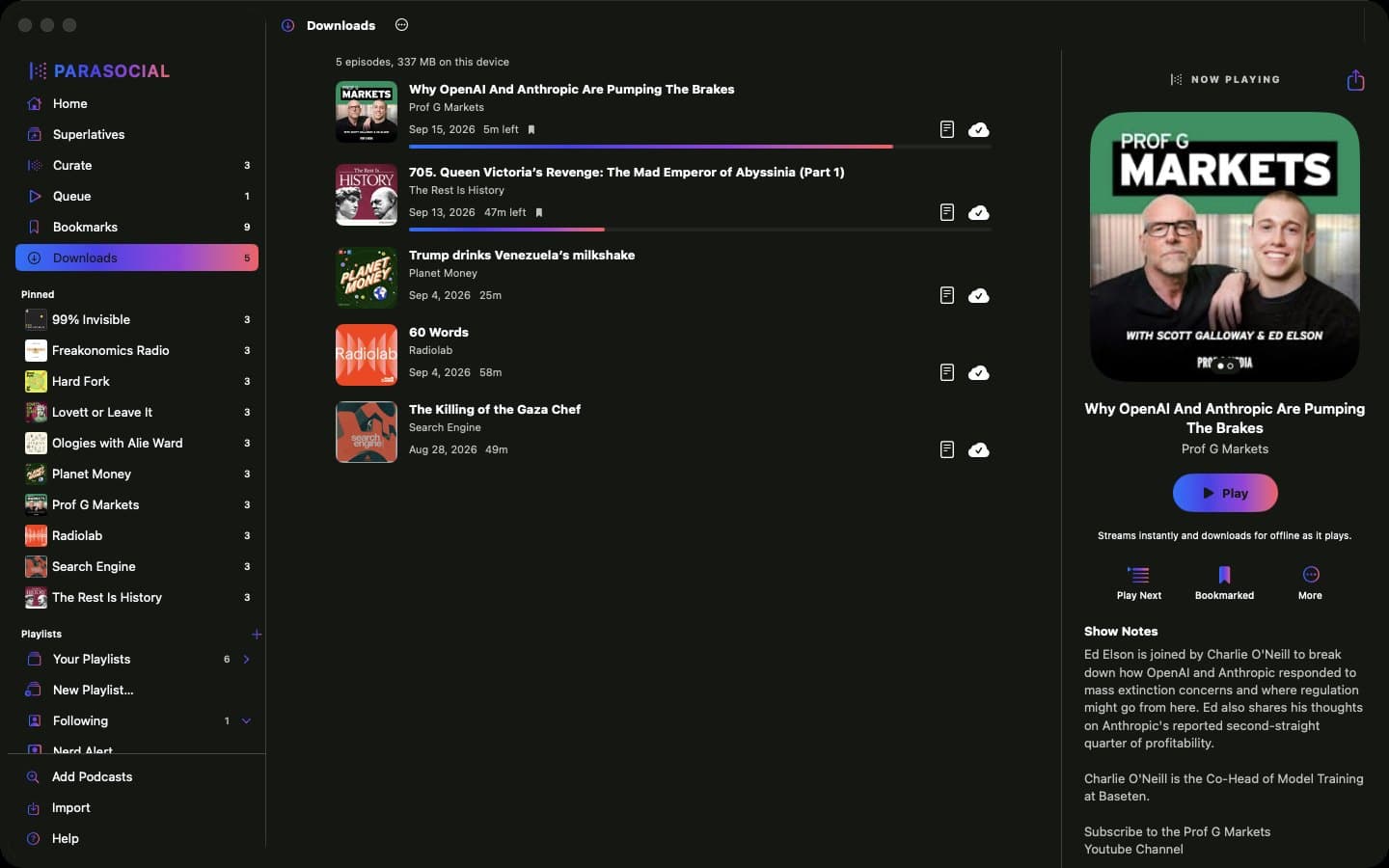
  • A filled cloud with a tickIt is on your device and plays without a connection.
  • A cloud with a line through itThe download failed. Never fear: it tries again on its own within a few minutes.
A show in Parasocial with downloaded and streaming episodes side by side.

Where your downloads live.

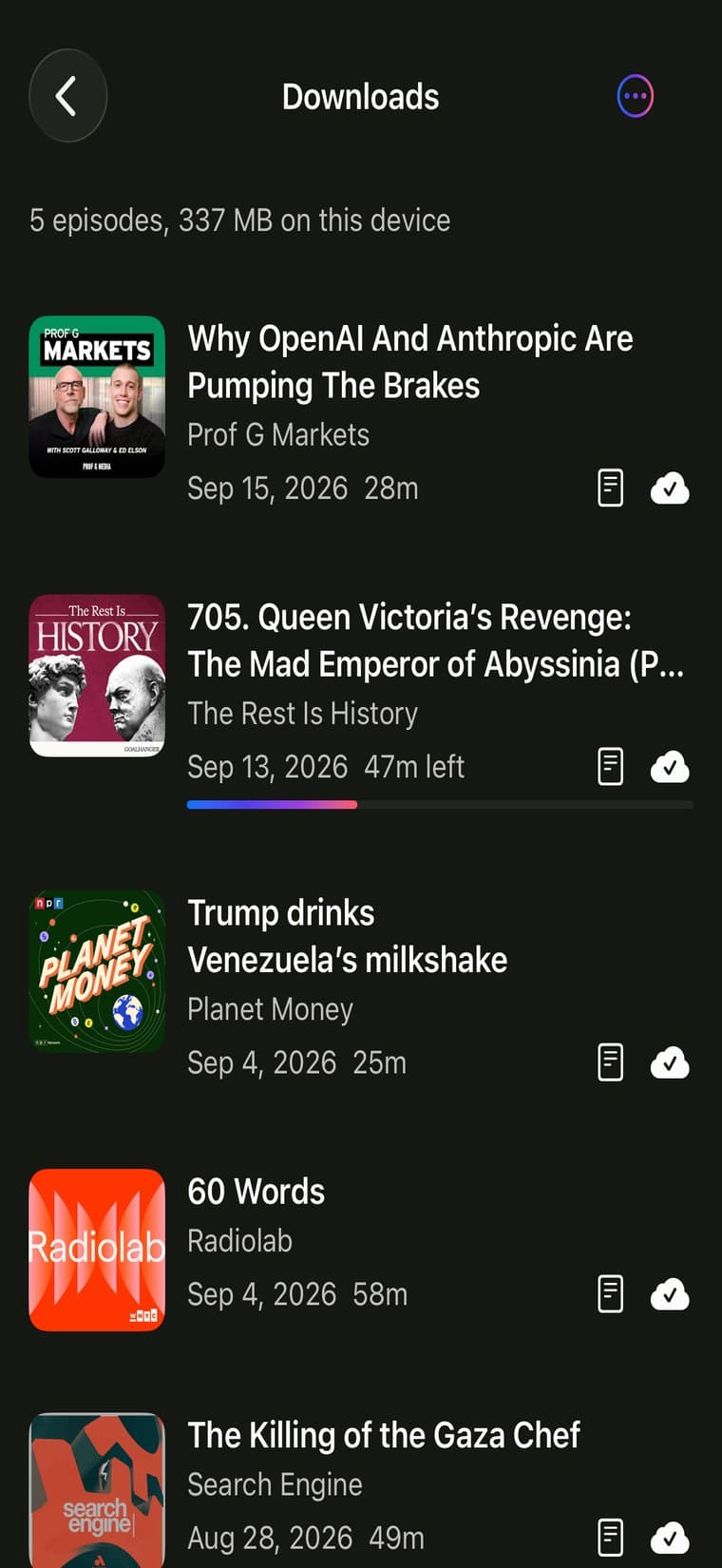
Library, then Downloads. Every file on the device, newest first, with the total size at the top.

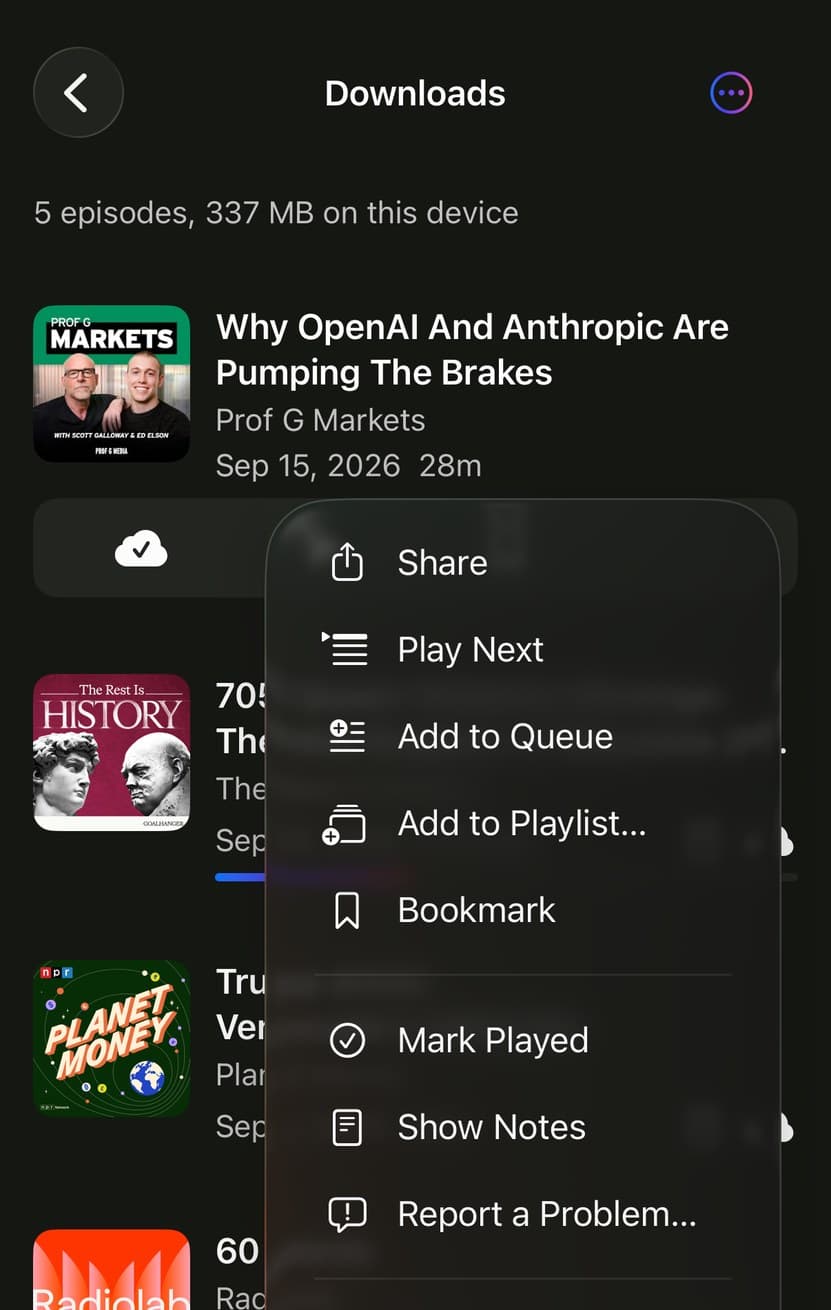
To remove one: tap its filled cloud and confirm, swipe the row on that page, or use Remove Download in the episode’s ... menu. The episode stays in your library and streams when you play it.

To download automatically: Settings, Downloads and Storage, Download new episodes. Any show or playlist can override it from its own settings, and a playlist has Download All Episodes.

An episode's menu in Parasocial, with Remove Download at the bottom.

What's the difference between bookmarks and stars?

There are no stars in Parasocial. A bookmark is the one thing to reach for. If you came from an app that starred episodes, your stars arrive here as bookmarks.

To bookmark: swipe an episode to the right, or tap it and use the bookmark button. It stays for good, played or not, and nothing else on this page removes it.

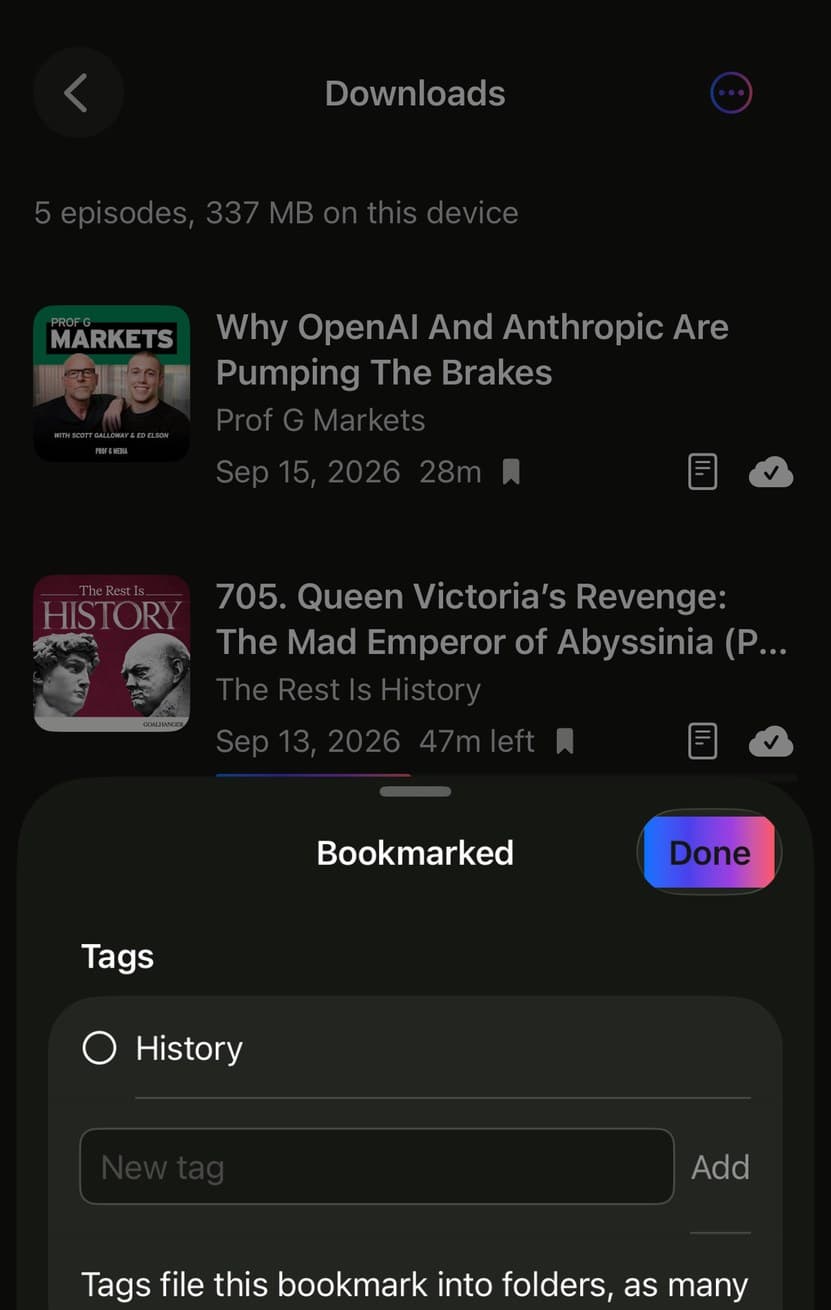
Then tag it. The moment you bookmark something, Parasocial asks how to file it. Type a name, tap Add, tap Done. An episode can carry as many tags as you like, so one interview can sit under Interviews and under Money at once without a second copy of it existing anywhere.

  • Tags are foldersEvery tag you make becomes a folder at the top of the Bookmarks page.
  • One episode, many foldersTag it twice and it appears in both, and it is still one episode.
  • Rename to mergeRename a tag onto an existing one and the two folders become one.
  • Coming soonTags will fill collections on their own, so a folder can become something you publish.
Parasocial asking how to file a new bookmark, with a tag list and a New tag field.

Audio settings.

Start playing anything, then tap the waveform in the player. Everything below is on that one sheet, and every change there applies to the episode you are listening to.

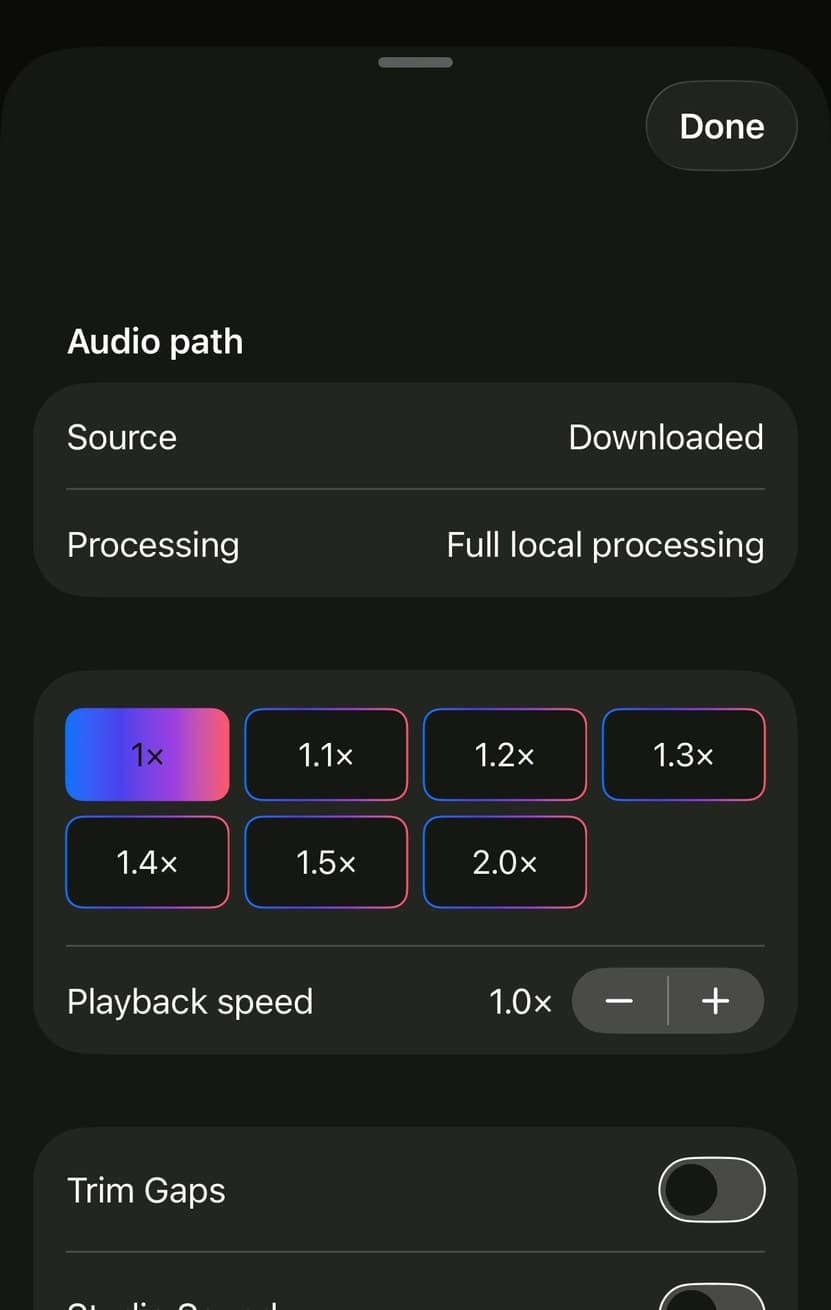
Trim Gaps shortens the quiet stretches it finds, which takes real minutes off a conversational show. Studio Sound lifts speech clarity without raising the peaks, so a quiet guest stops vanishing under a loud host. Playback speed runs from half to triple, with presets and a fine adjustment beside them.

To skip an intro or an outro: on the same sheet, under Beginning and end, set how many seconds to cut at each end. Set it on the show instead, through the gear on its page, and every episode of that show skips them.

To set it once for everything: Settings, Playback. An episode beats a show, a show beats a playlist, and a playlist beats those defaults. Wherever you have overridden something there is a Use Inherited Settings button to clear it again.

The audio sheet in Parasocial, with Trim Gaps, Studio Sound and Beginning and end.

Falling asleep to a podcast.

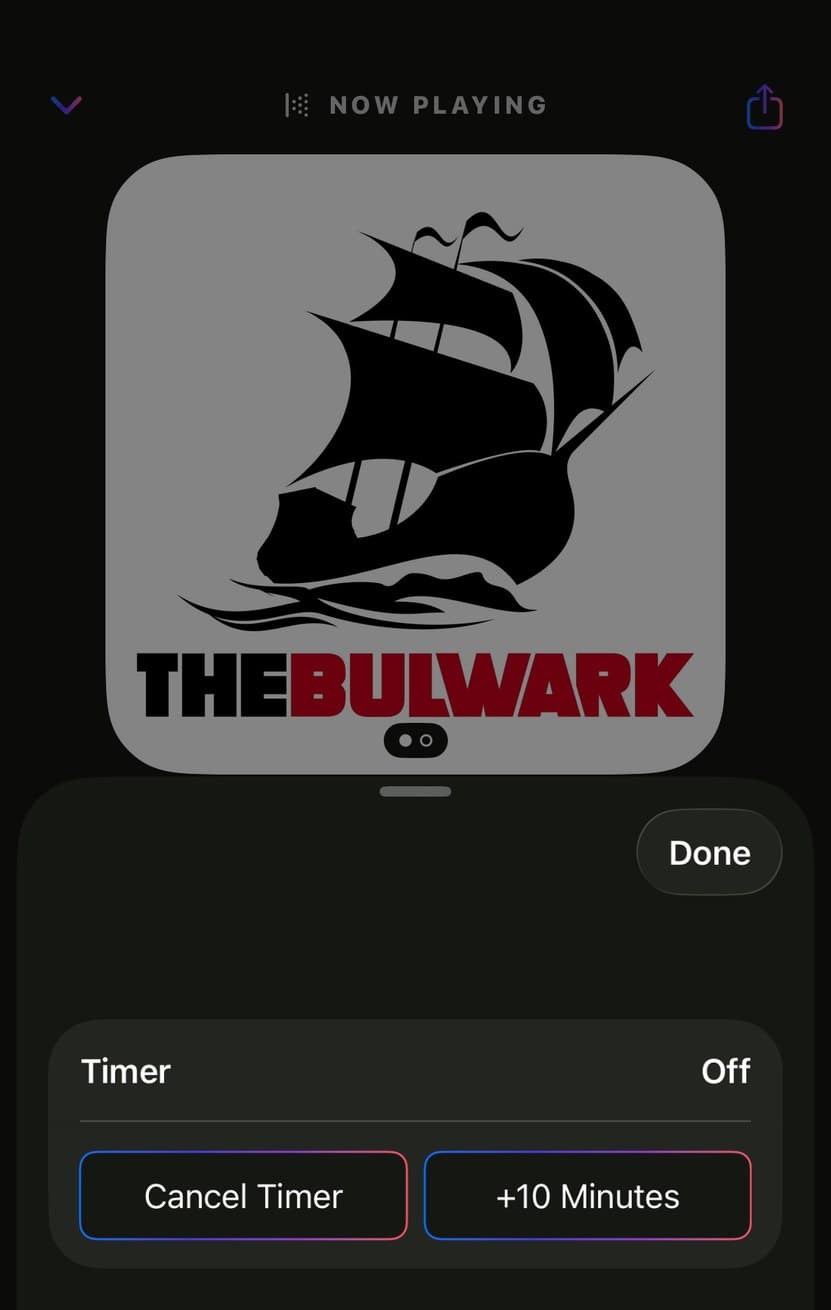
In the player, tap Sleep. Choose a number of minutes, or Stop at End of Episode to finish the one you are on. While a timer runs you can add ten minutes or cancel it, and starting a new one replaces the one already going.

The sleep timer in Parasocial, with Cancel Timer, +10 Minutes and a row of durations.

Sharing, curating, collections and more.

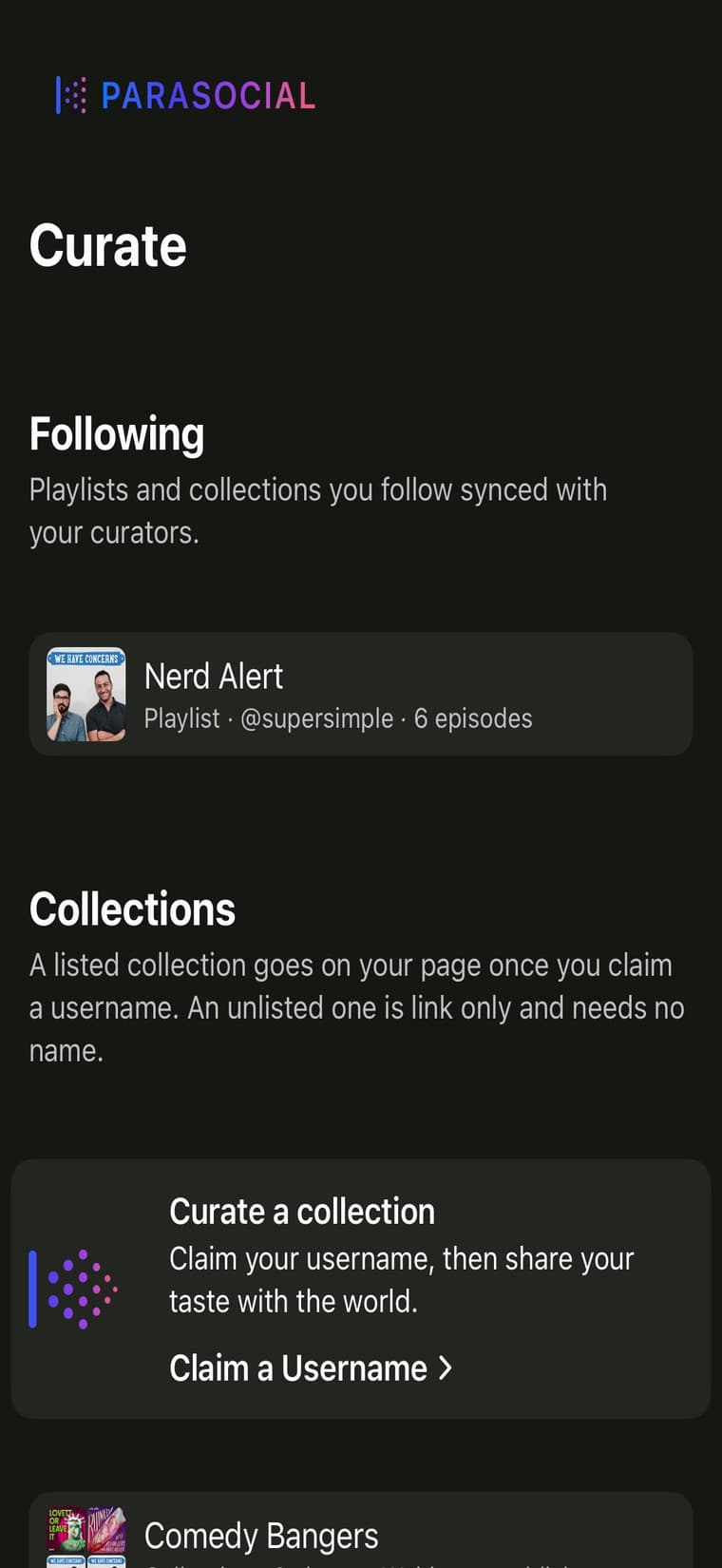
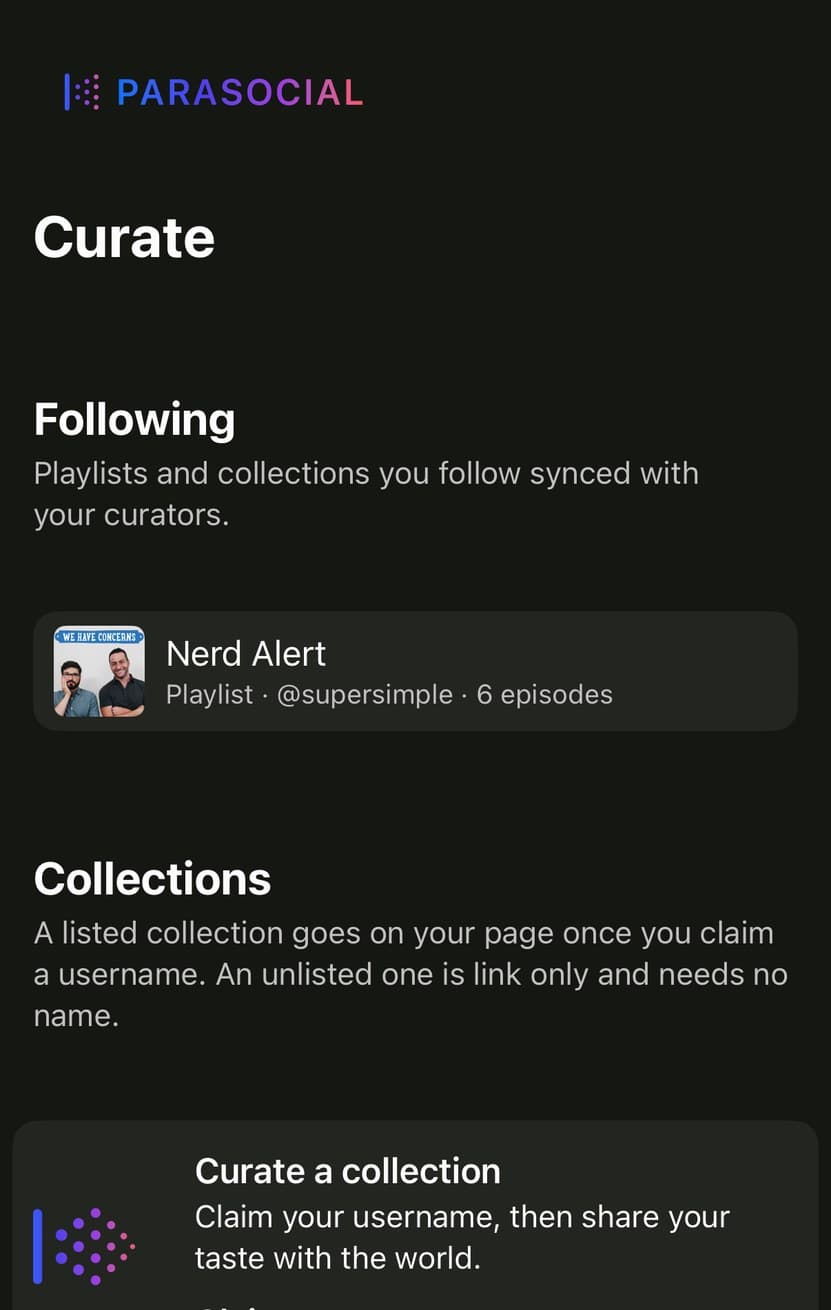
What is the difference between a collection and a playlist? A playlist is private and it is for listening, so it empties as you work through it. A collection is public and it is for recommending, so it keeps everything in it whether or not you have heard it.

To make one: open the Curate tab, tap New Collection, and choose a collection of shows or a collection of episodes. Publishing needs a username, which you claim in Settings under Profile. Your library stays anonymous either way, and nothing you listen to is published by claiming one.

To share it: a listed collection sits on your public page for anyone to find. An unlisted one is a link you send, and it needs no username at all. Either can be embedded on a website.

  • FollowingFollow someone else's collection and it updates as they edit it.
  • Share a momentThe last thirty seconds of what you are hearing, as a card.
  • Hidden CuratorsIn Settings, if you would rather not see someone's collections at all.
The Curate tab in Parasocial, with Following, Collections and Claim a Username.

Superlatives.

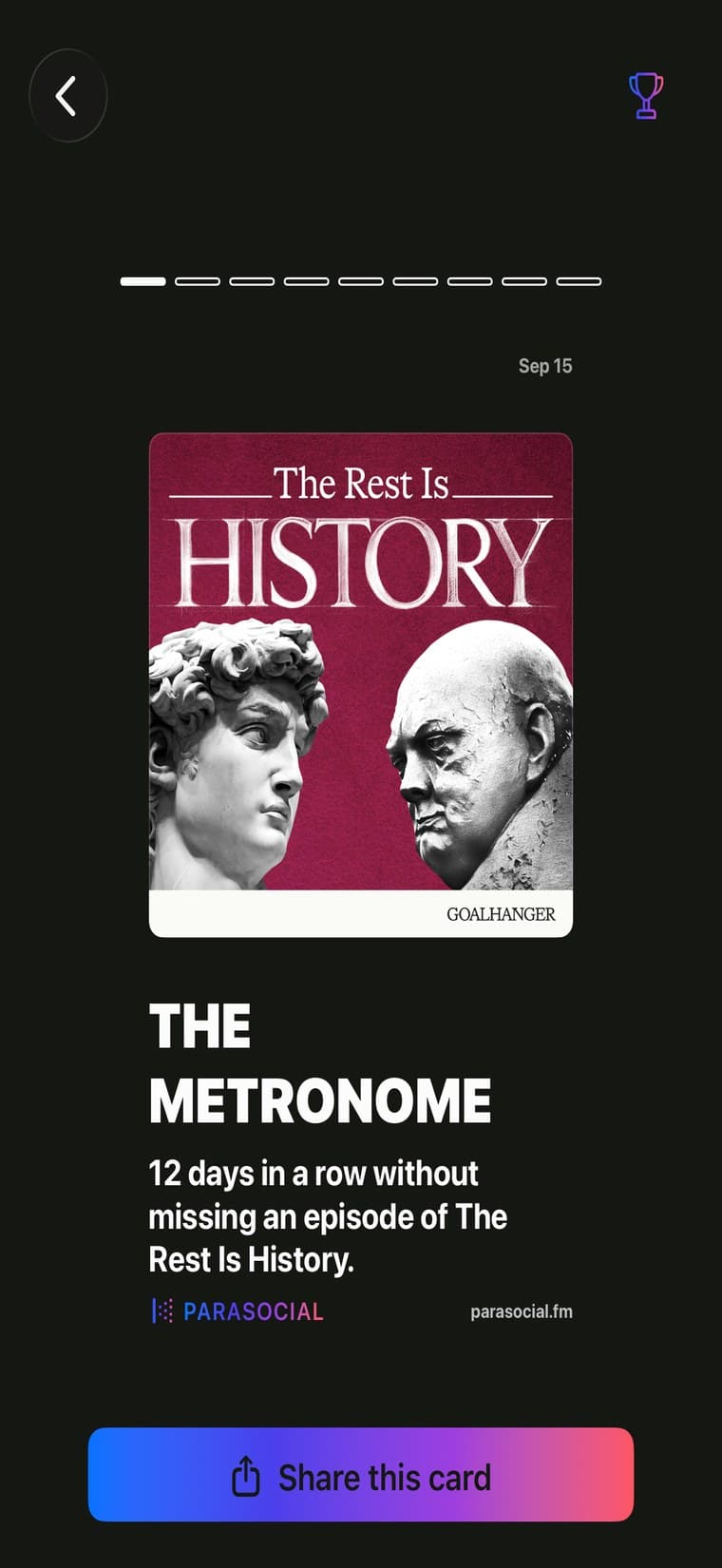
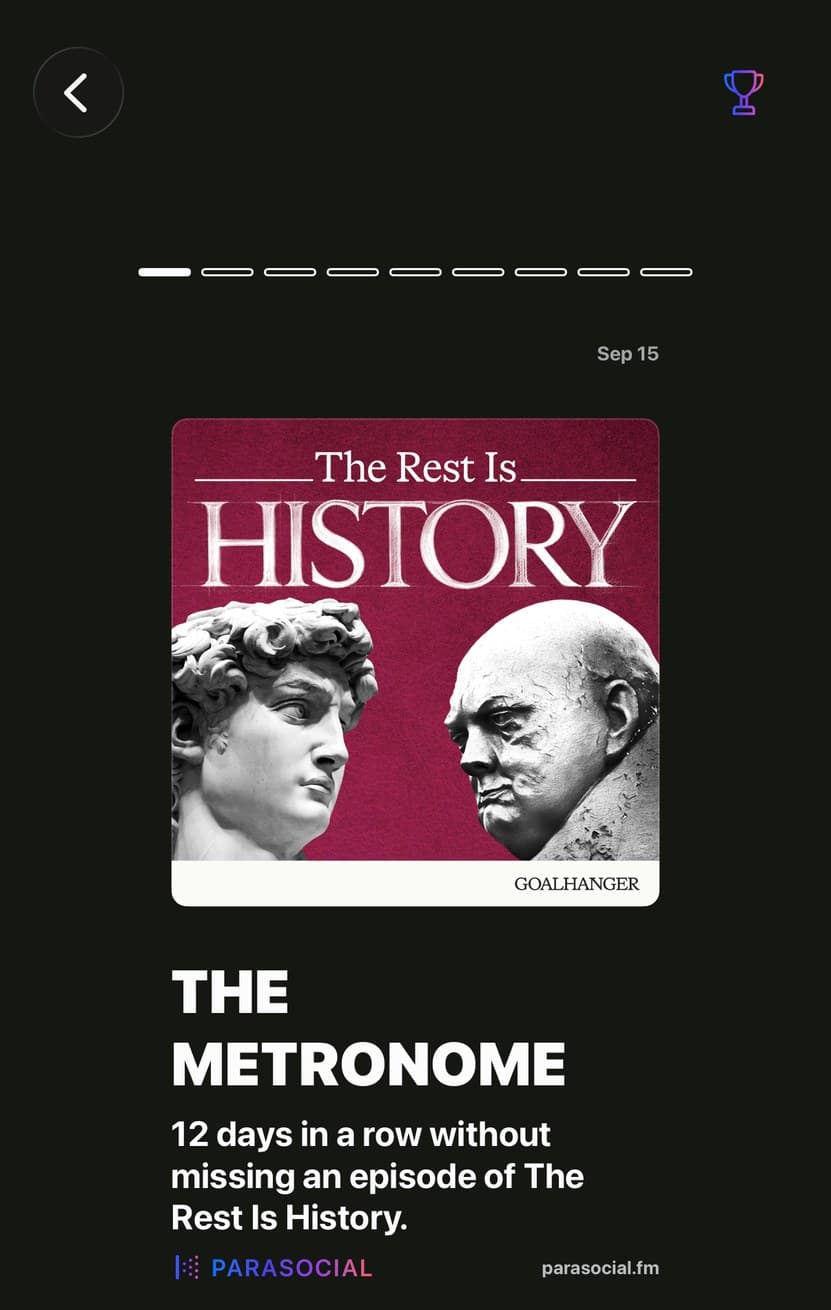
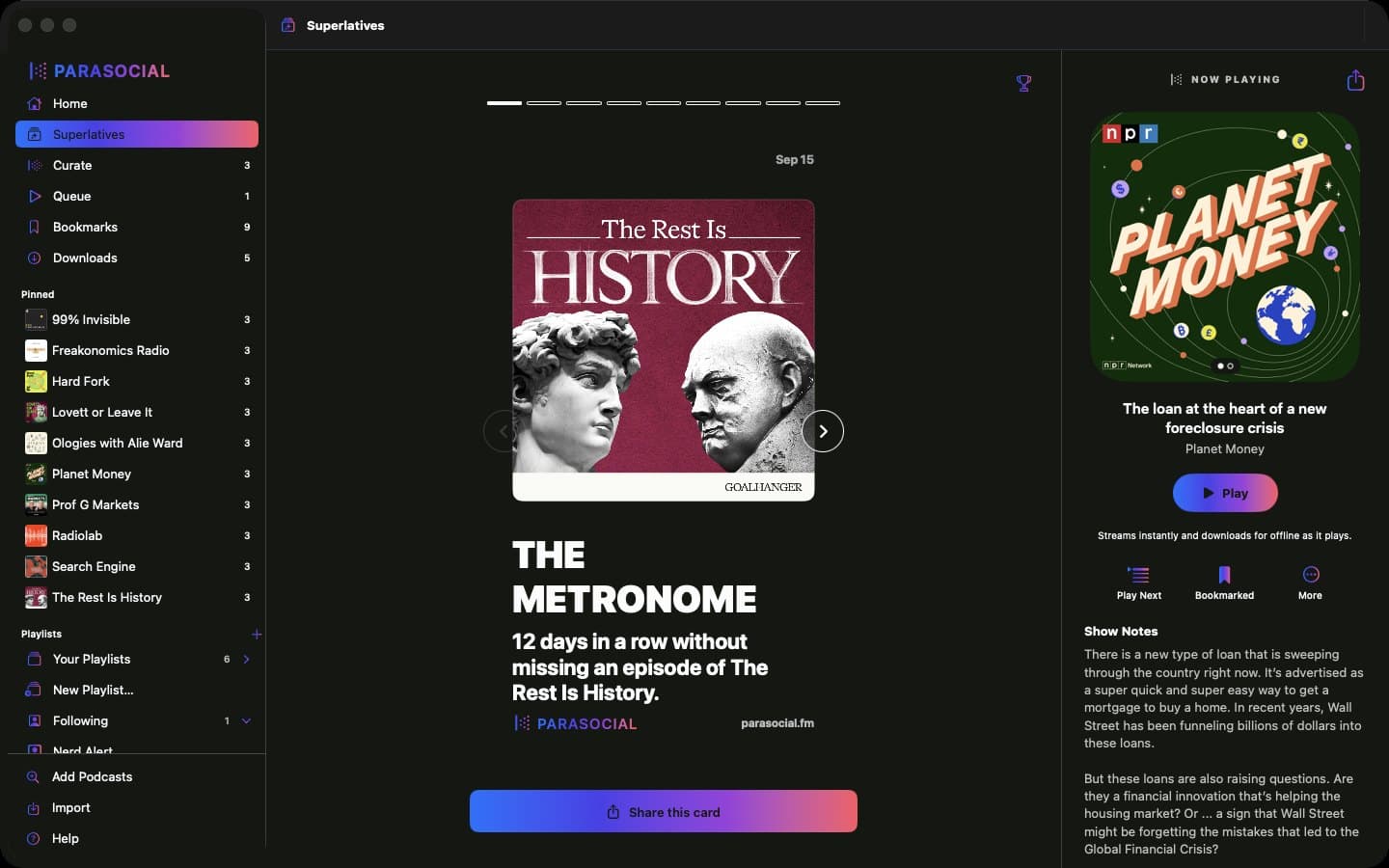
Our little way of celebrating the small successes in life, like listening to a hundred episodes of your favorite podcaster. Open Library, then Superlatives. Each one is a card you can share if you feel like it, and ignore if you do not.

They come from listening you actually did, so marking a back catalog played never earns one.

A Superlatives card in Parasocial: The Superfan, eight for eight on the latest episodes.

How to report a bug or ask for a feature.

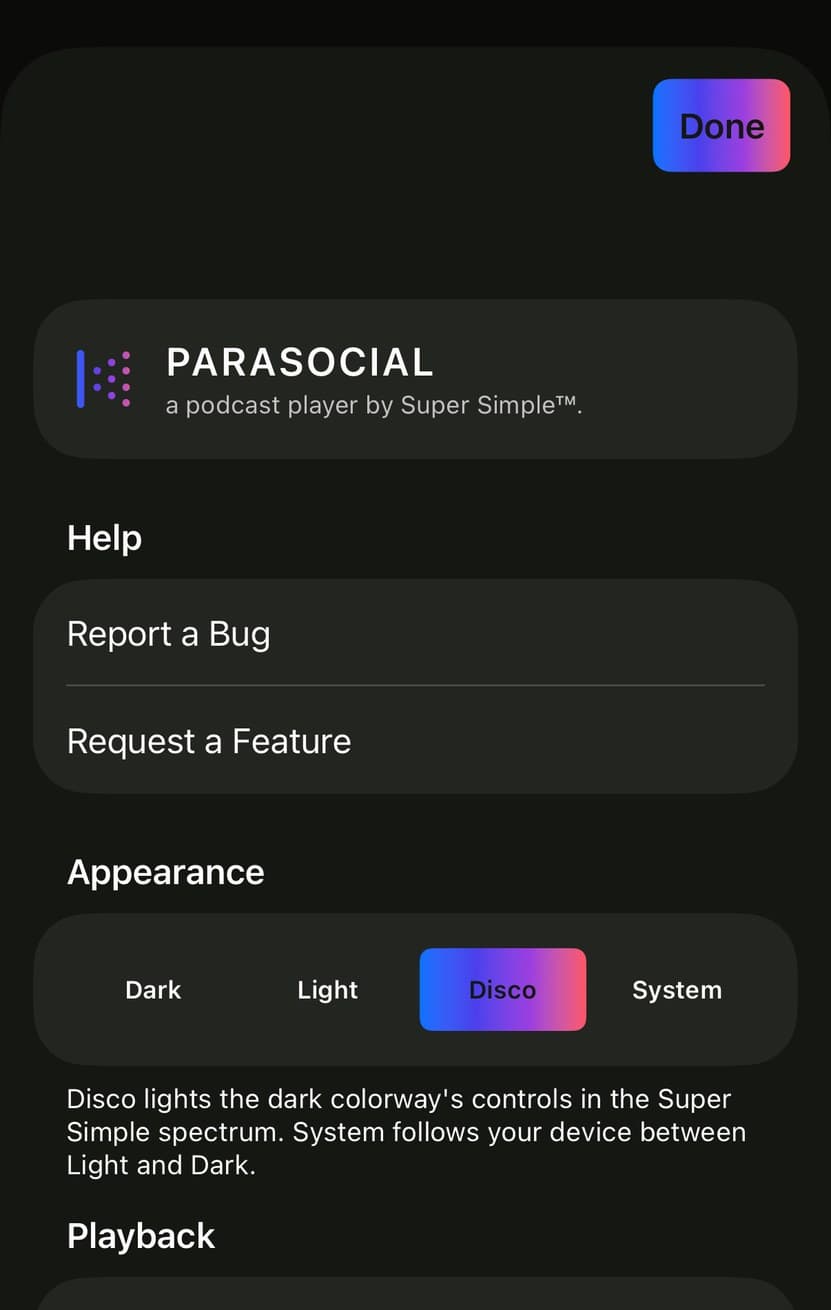
First, check you are on the latest version of Parasocial. If something is broken there is a fair chance we hit it too and have already fixed it. Settings, About shows the version you are running, and the App Store will tell you whether there is a newer one.

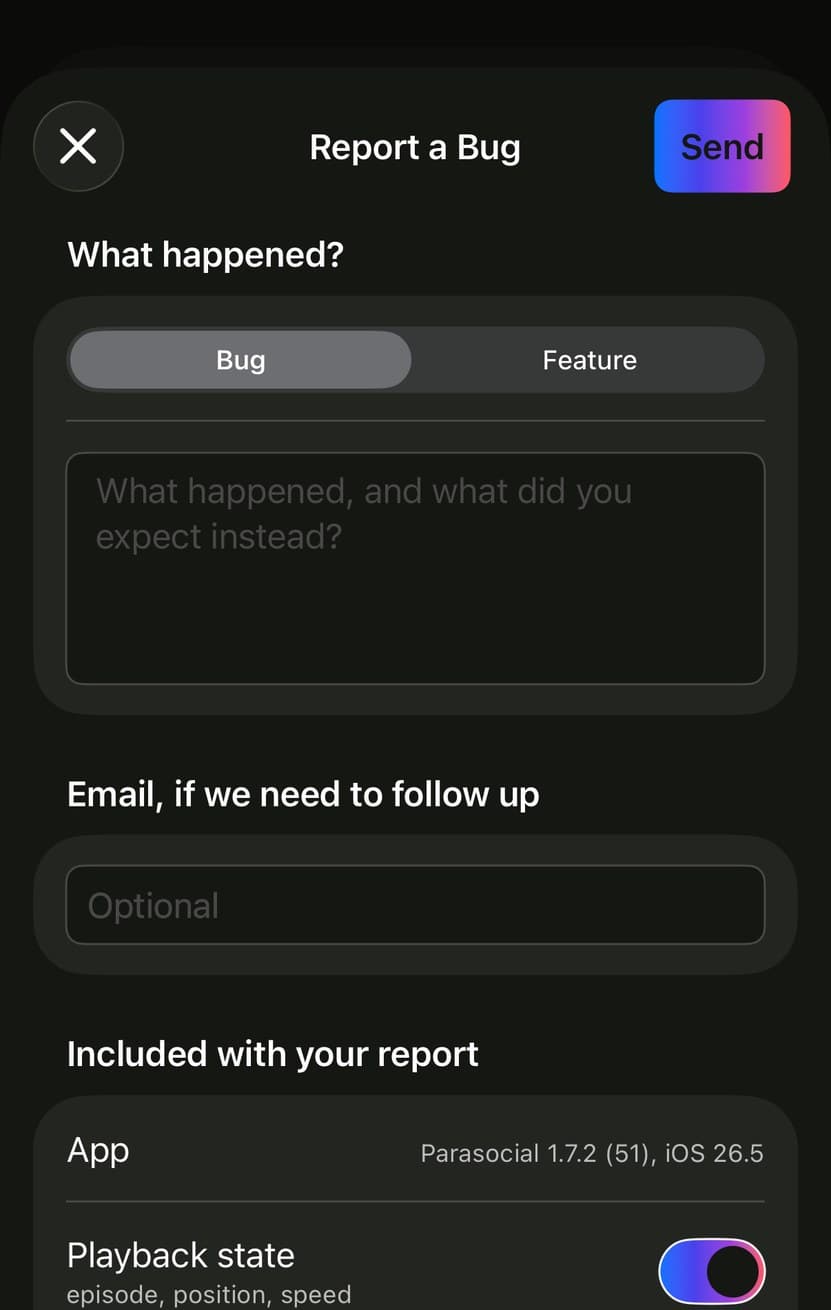
Then: Settings, Help, Report a Bug. Say what happened and what you expected instead. Add your email if you would like a reply, and we do reply. Request a Feature sits right below it and goes to the same place.

About one episode or show? Use Report a Problem in that episode’s ... menu instead. It carries the show and the episode with it, so nobody has to ask which one you meant.

  • No account, no nameA short Support ID goes along so we can find related crashes.
  • You choose what to includePlayback state, this session's activity log and a screenshot, each its own switch.
  • Or write to ussupport@parasocial.fm reaches the same people.
The Report a Bug sheet in Parasocial, with a Bug and Feature toggle and what gets included.

Questions we get.

The ones that actually arrive, with the answers.